Opaque
Local approval-gated secrets broker for AI coding tools.
LLMs get operations (e.g., "set this GitHub secret"), never plaintext values. Every operation passes through:
Policy → Approval → Execute → Sanitize → Audit
- Getting Started -- Install and run your first operation in minutes
- Policy Engine -- Deny-by-default rules, presets, and allowlists
- MCP Integration -- Connect Opaque to Claude Code via MCP
- Architecture -- Design notes and system overview
Features
- Deny-by-default policy engine with allowlist rules
- Client identity from Unix peer creds + executable identity (path/hash, optional macOS Team ID)
- Operation-bound native OS approvals (macOS Touch ID, Linux polkit)
- Typestate-enforced response sanitization + secret-pattern scrubbing
- Structured audit events (SQLite) with correlation IDs
- MCP server for Claude Code integration
- Providers: GitHub secrets, GitLab CI variables, 1Password, Bitwarden Secrets Manager, HashiCorp Vault, AWS Secrets Manager
- Policy presets for common workflows
Install
| Binary | Role |
|---|---|
opaqued |
Trusted daemon (enclave, policy, approvals, audit) |
opaque |
CLI client |
opaque-mcp |
MCP server for Claude Code |
Quick Start (Claude Code)
# 1. Initialize with a preset
opaque init --preset github-secrets

# 2. Start the daemon
opaqued

# 3. Add to your Claude Code MCP config
#    { "mcpServers": { "opaque": { "command": "/path/to/opaque-mcp" } } }

# 4. Ask Claude Code to sync a secret:
#    "Set the GitHub Actions secret API_KEY for myorg/myrepo using my keychain"
See the full getting-started guide for CLI and Codex workflows.
Demos
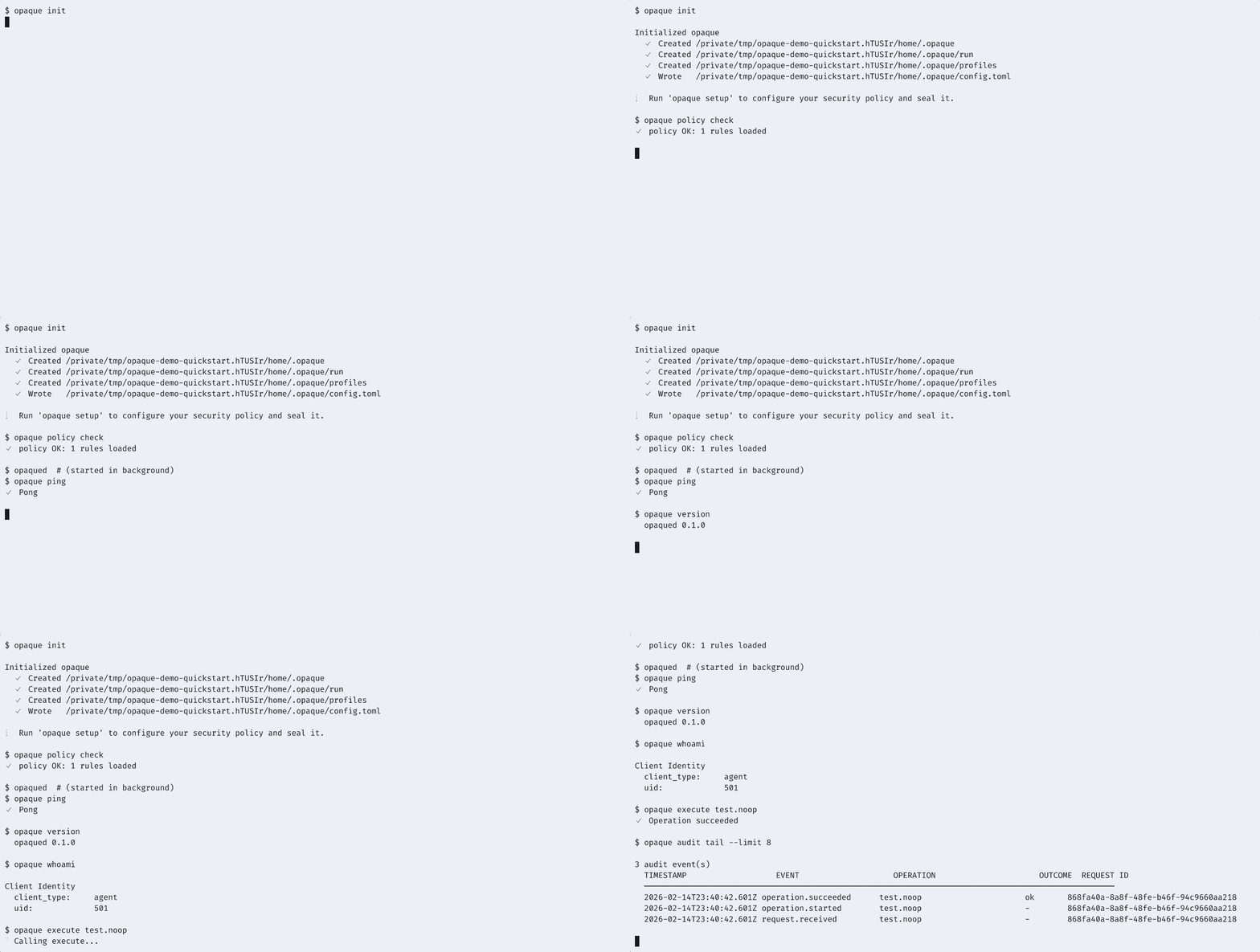
Enclave Quickstart
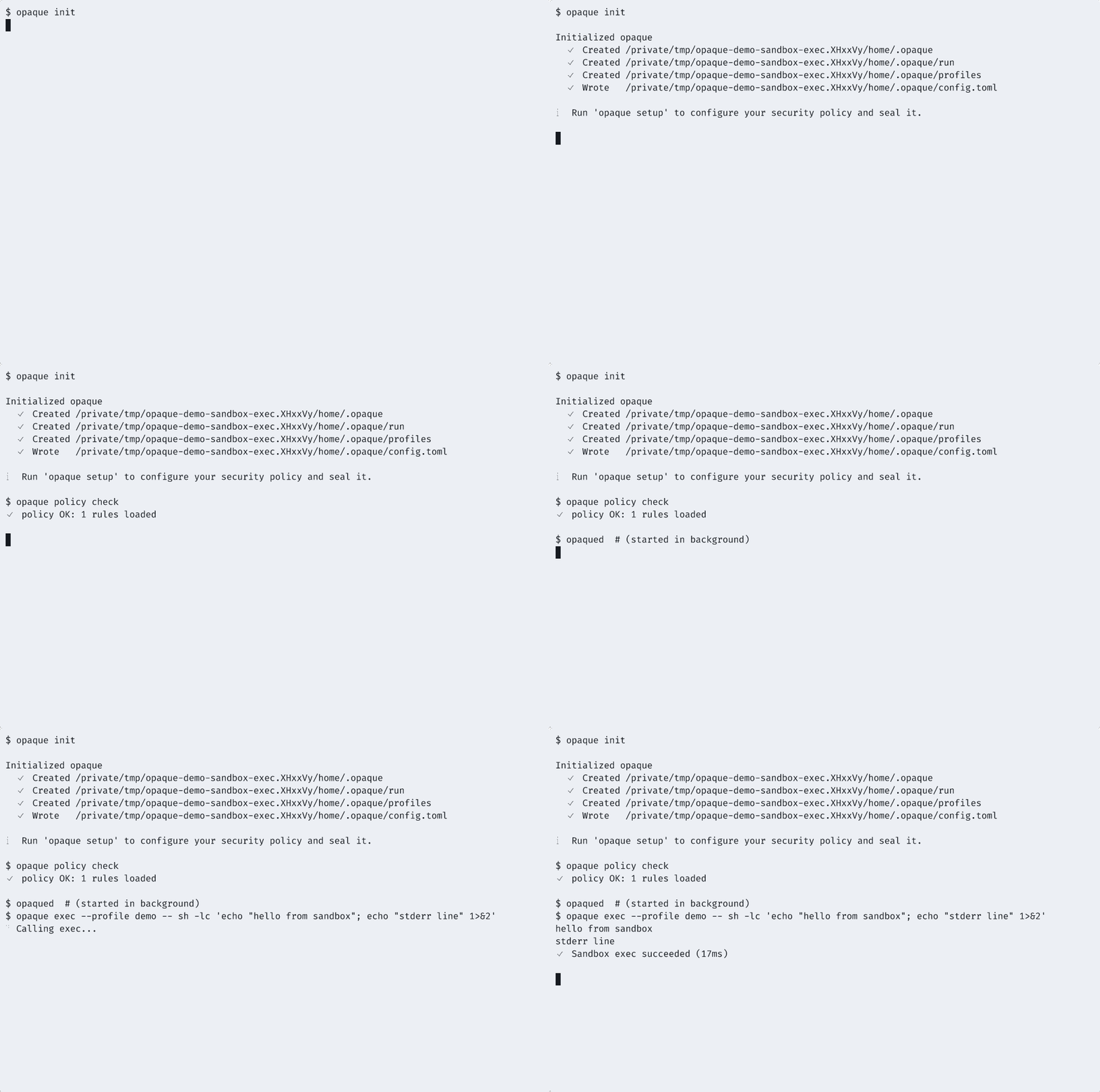
Sandboxed Exec
Platform Support
| Platform | Architecture | Status |
|---|---|---|
| macOS | Apple Silicon (aarch64) | Fully supported |
| macOS | Intel (x86_64) | Fully supported |
| Linux | x86_64 | Fully supported |
| Linux | aarch64 | Fully supported |
License
Business Source License 1.1 (BSL 1.1). Free for individuals, non-commercial use, and organizations with fewer than 10 developers. See LICENSE for details.